One-Click Staging Environment Powered by WP Toolkit
Test Safely Before Going Live
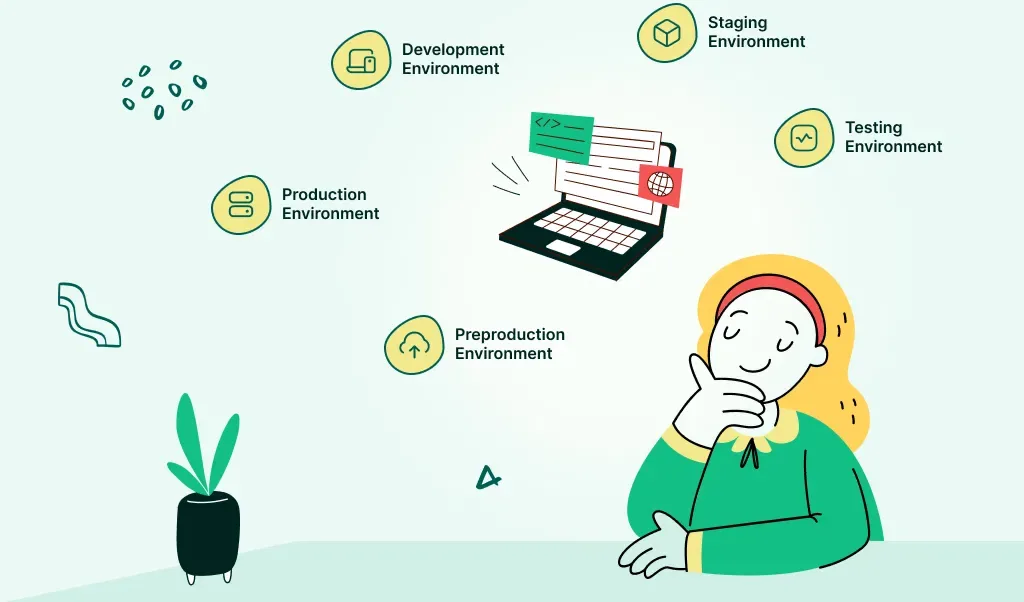
Say goodbye to live site errors and risky updates. With WP Toolkit’s Staging Feature, you can create a cloned version of your WordPress website in just one click. Use it to test updates, design changes, plugins, or new content without affecting your live site.
At WordPress Hosting Agency, we know how important stability is. That’s why every hosting account comes with built-in staging capability, fully integrated with WP Toolkit. Perfect for developers, agencies, and store owners who want to innovate with confidence.
Full Control Without the Risk
- Create a secure clone of your site in seconds
- Test new plugins, themes, updates, or layout changes
- Push changes to live when you’re ready
- Avoid breaking your production site
- Works directly from your cPanel WP Toolkit interface
Staging environments save time, reduce errors, and improve development workflows. Whether you’re launching new features or running updates, you’ll never have to “hope for the best” on your live site again.