- Verified from VirusTotal
- 100% Original Product and Virus Free.
- Free New Version Lifetime On Single Purchase.
- Unlimited Website Usage
- Price is in US dollars and included tax
YITH WooCommerece Request a Quote Latest Version
This is a GPL-distributed version. No official support. Clean, secure, and legally redistributed under the GPL license.
NOTE First, you need to install the yith activator then install the yith woocommerce request a quote premium
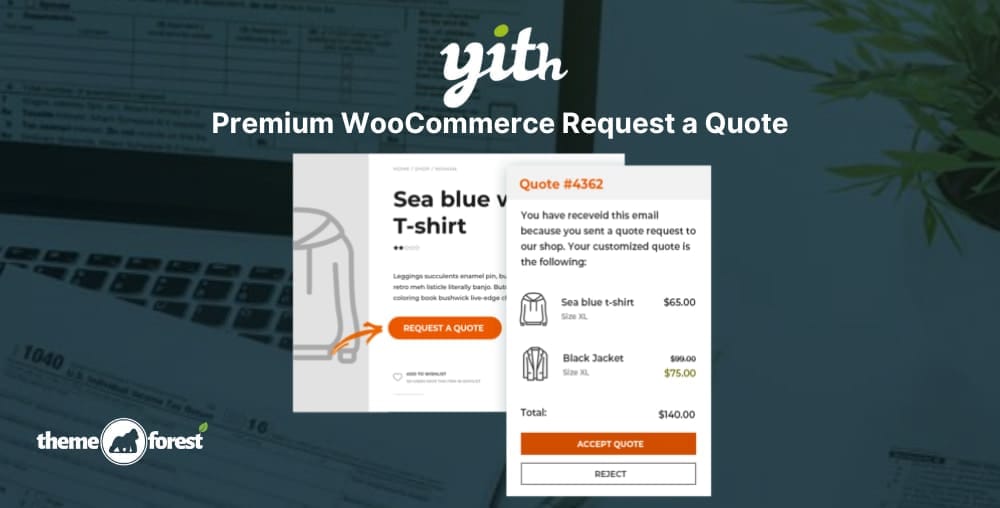
Yith WooCommerce Request a Quote helps to hide the price and/or add to cart button and lets your customers request a custom quote for every product.
- Sell products and services without a fixed price to your catalog and give customers the option to request custom quotes;
- Hide price and Add to cart button for every product to push customers to contact you to receive a tailored offer for their needs;
- Hide prices from your competitors to build a competitive pricing strategy;
- Leverage the scarcity principle by sending temporary quotes and notifying customers when the offer is about to expire to encourage them to purchase immediately;
- Easily manage every step of the quote process. When a customer accepts the quote, he will be redirected to the checkout page to pay and the quote will be converted to an order;
- Create quotes manually for customers that reach you by phone or physically in your shop/office.
YITH WooCommerece Request a Quote GPL Features:
- Insert the request form on any page of your site
- Support to variable products: you can add specific product variations to the quote list
- Hide the “Add to cart” button on all the products on your site
- Receive an email for each request sent by the user
- Override the email template created by the plugin
- Select one or more products and send the quote request through a dedicated form available on the site
- Add the product to the quote request directly from the product detail page
- Insert the “Add to quote” button both on the product detail page and on all the other archive pages where it appears
- Show the “Add to quote” button only on specific products of the shop
- Hide the “Add to quote” button only on some products of the shop
- Show the “Add to quote” button only to registered users, to users with a specific WordPress role, or to all users
- Hide the price on all the products on your site
- Give users the possibility to request a quote also or only for “out of stock” products
- Customize the style and the colors of the “Add to quote” button
- Choose the information to show for each product on the quote page and email select the form used to send the quote request, choosing from
- Enable or force user registration through the quote request form
- Deny the possibility to send quote requests to unlogged users
- Show or hide the “Accept” and “Reject” buttons in the quote email, in the PDF document, and on the “My Account” page
- Send an automatic email with the quote proposal
- Receive an automatic email when the user accepts or rejects the proposal
- Send an email to remind the customer that a quote is about to expire
- Activate the automatic creation of the PDF document with the quote on the “My Account” page
- Attach the PDF quote to the email sent to the user